Imagine lying comfortably in your bunk bed, ready to drift off to sleep, but the light switch is just out of reach. You don’t want to climb down or disturb anyone else.
What if you could turn off the light without moving a muscle? You’re about to discover simple and effective ways to control your bunk bed’s light switch remotely. By the end of this article, you’ll have easy solutions that save you time and add convenience to your bedtime routine.
Keep reading to learn how to make your space smarter and more comfortable right now.

Credit: www.destinvacation.com
Choosing The Right Smart Switch
Choosing the right smart switch is key to controlling your bunk bed light remotely. The right switch makes your life easier and your setup smooth. Consider the wiring in your home, the types of switches, and your budget. These factors help you pick a switch that fits well and works reliably.
Compatibility With Existing Wiring
Check your current wiring before buying a smart switch. Some switches need a neutral wire to work. Older homes may lack this wire. Find a switch that matches your wiring to avoid extra work. Proper compatibility ensures safe and easy installation.
Types Of Smart Switches
There are many smart switches available. Some use Wi-Fi, while others use Bluetooth or Zigbee. Wi-Fi switches connect directly to your phone. Zigbee switches need a hub for control. Choose a type that fits your home setup and tech skills.
Budget Considerations
Smart switches come in different prices. Basic models cost less but may have fewer features. More expensive switches offer advanced options and better design. Decide how much you want to spend. Balance cost with the features you need for your bunk bed light.
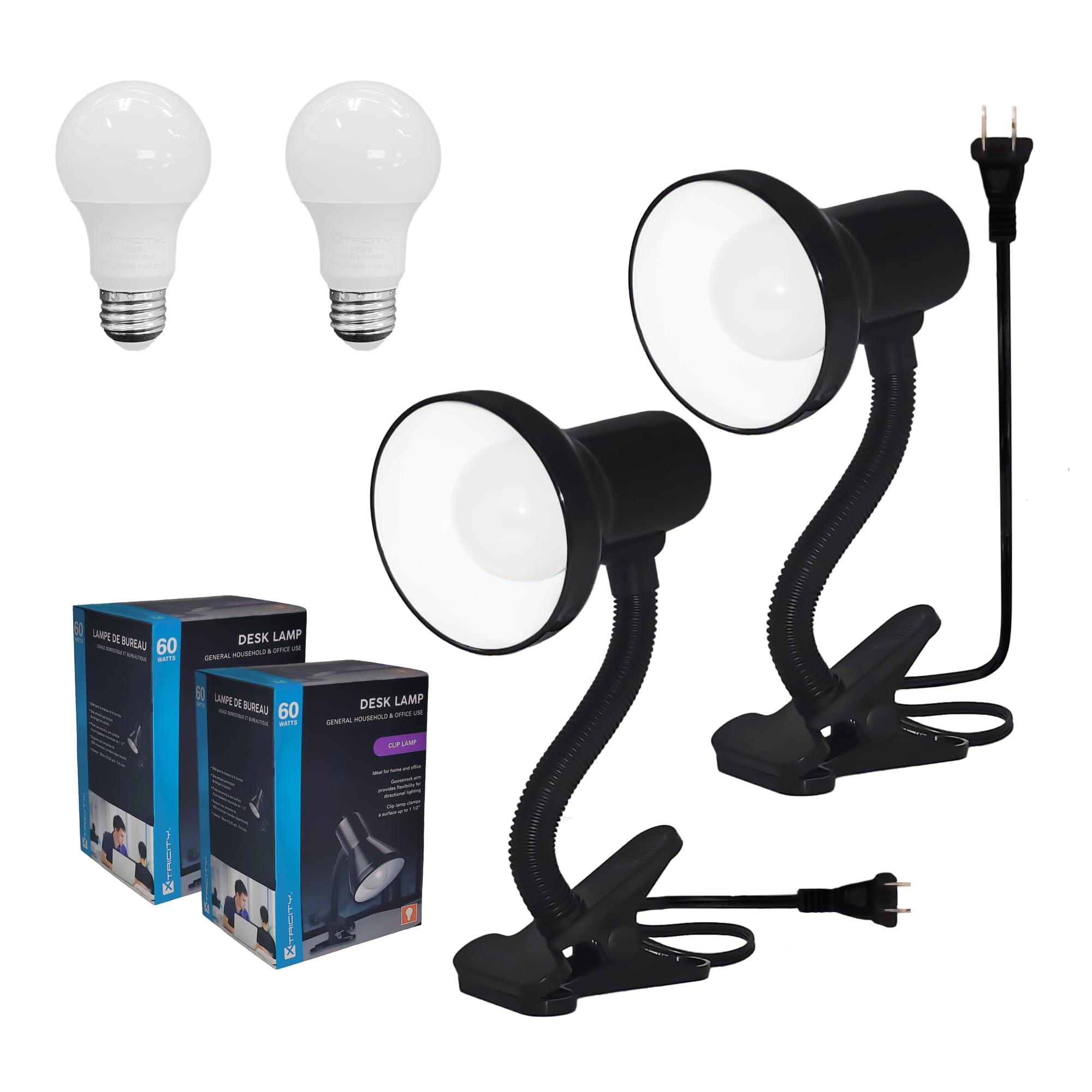
Credit: www.amazon.com
Tools And Materials Needed
To turn off a light switch on a bunk bed remotely, you need the right tools and materials. Having these ready makes the process smooth and safe. This section covers what you need to gather before starting.
Smart Switch Kit
A smart switch kit is the key component for remote control. It replaces your regular switch and connects to Wi-Fi. Choose a kit compatible with your home’s system. Many kits come with an app for easy control.
Basic Electrical Tools
Basic tools help with installation. You will need a screwdriver to remove the old switch. Wire strippers are useful for preparing wires. A voltage tester ensures power is off before work starts.
Safety Gear
Safety gear protects you during the installation. Use insulated gloves to avoid electric shocks. Safety glasses protect your eyes from debris. Always turn off power at the breaker before starting.
Preparing For Installation
Preparing to install a remote light switch for a bunk bed needs care and focus. This step is crucial for safety and success. Follow simple actions to get ready before starting the installation. Clear the workspace and gather tools. Understand the electrical setup to avoid mistakes. The preparation phase sets the stage for smooth installation.
Turning Off Power Safely
Always turn off power at the circuit breaker. This stops electricity from flowing to the switch. Use a tester to check if power is off. Never skip this step. It protects you from electric shocks and damage to parts.
Removing The Old Switch
Remove the cover plate from the current switch. Unscrew the switch from the wall box carefully. Pull the switch out gently to see wires. Take note of how wires connect to the switch. Handle wires carefully to avoid breaks or shorts.
Checking Wiring Layout
Look at the wiring inside the wall box. Identify live, neutral, and ground wires. Match the wires to the new remote switch instructions. Use a voltage tester to confirm wire roles. Correct wiring ensures the new switch works right and safely.
Installing The Smart Switch
Installing a smart switch to control the bunk bed light remotely is a simple and useful upgrade. It lets you turn the light on or off without getting up. This part explains how to install the smart switch safely and correctly. Follow each step carefully to ensure proper function and safety.
Connecting Wires Correctly
Turn off the power at the circuit breaker before starting. Remove the old switch cover and unscrew the switch. Identify the wires: usually, black is live, white is neutral, and green or bare is ground. Connect the smart switch wires to the matching wires in the wall. Use wire nuts to secure the connections. Double-check all wires are tight and correctly matched.
Securing The Switch
Push the connected wires gently back into the electrical box. Place the smart switch in the box carefully. Screw the switch firmly to the box to prevent movement. Attach the switch cover plate for a clean look. Make sure the switch is flush with the wall to avoid damage.
Restoring Power
Turn the power back on at the circuit breaker. Test the switch by turning the bunk bed light on and off. Use the remote or app to check if it responds properly. If the switch does not work, turn off the power and check the wiring again. Once confirmed, enjoy the convenience of remote control lighting.
Setting Up Remote Control
Setting up remote control for your bunk bed light switch is simple. It lets you turn off lights without getting up. Follow these steps to connect and control your light switch easily.
Connecting To Wi-fi
First, connect the smart light switch to your Wi-Fi network. Make sure your phone is on the same Wi-Fi. Open the switch’s app and follow the instructions. Usually, you press and hold a button on the switch. The app will search for the device. Once found, enter your Wi-Fi password. This links the switch to your home network.
Using The Mobile App
Next, use the mobile app to control the light switch. The app shows all connected devices. Tap the bunk bed switch to turn lights on or off. You can also set schedules for the light. This helps save energy and keeps things convenient. The app is easy to use and works on most smartphones.
Configuring Voice Assistants
Finally, connect the light switch to a voice assistant. Popular options include Alexa, Google Assistant, or Siri. Open the assistant’s app and add the smart switch as a new device. Use simple commands like “turn off bunk bed light.” Voice control makes it easy to manage lights hands-free. Perfect for bedtime or when your hands are full.
Tips For Bunk Bed Lighting Control
Troubleshooting common issues helps keep your remote light switch working well. Problems can stop the switch from turning lights on or off. Knowing how to fix these problems saves time and frustration.
Connectivity Problems
Check if your device connects to Wi-Fi. Weak signals cause delays or no response. Move closer to the router for a better signal. Restart your router and the switch to refresh the connection. Make sure the app has permission to use the network.
Switch Not Responding
Confirm the switch has power. Dead batteries or loose wires cause no response. Reset the switch by turning it off and on again. Update the app or firmware for best performance. Remove any obstacles blocking the signal between devices.
Power Fluctuations
Unstable power can affect switch performance. Use a surge protector to protect the switch. Check your home’s electrical system for issues. Avoid using many devices on the same circuit. Consistent power helps the remote switch work smoothly.
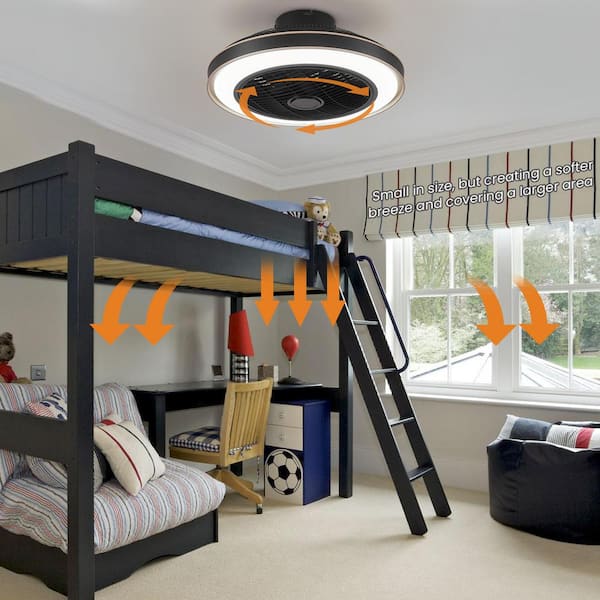
Credit: www.homedepot.com
Frequently Asked Questions
How Can I Control Bunk Bed Lights Remotely?
You can use smart light switches or smart bulbs controlled by a smartphone app or voice assistant. Install compatible devices near the bunk bed for easy access and wireless control.
What Devices Work Best For Remote Light Switching?
Wi-Fi or Bluetooth-enabled smart switches, smart plugs, or smart bulbs are ideal. Choose those compatible with your home network and easy to integrate with your existing setup.
Is Remote Light Control Safe For Bunk Beds?
Yes, using certified smart switches or bulbs is safe. Ensure proper installation and avoid overloading circuits to prevent electrical hazards near the bunk bed.
Can I Use Voice Assistants To Control Bunk Bed Lights?
Yes, smart switches and bulbs often support Alexa, Google Assistant, or Siri. This allows you to turn off lights remotely using simple voice commands.
Conclusion
Controlling the bunk bed light switch remotely brings ease and safety. No need to climb or stretch in the dark. You save time and avoid accidents. Setting it up is simple and fits any room style. Use a remote, app, or voice commands.
Everyone in the family can enjoy this comfort. Small changes like this make life better. Try it today and see the difference.